

Plans
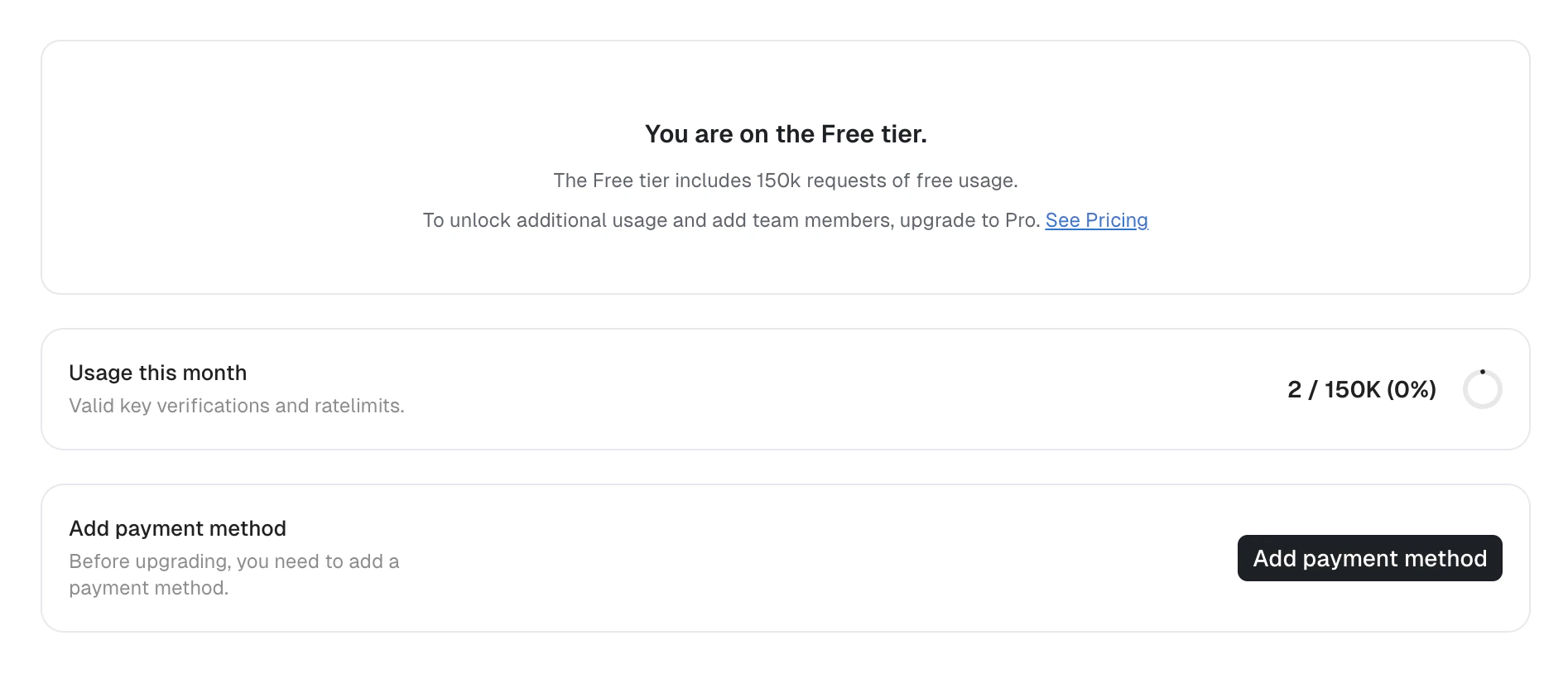
Unkey offers multiple plan tiers. Every workspace starts on the Free plan. Paid plans unlock higher limits, longer data retention, and team collaboration.Add a payment method
Before upgrading, you must add a payment method.- Navigate to Settings > Billing.
- Click Add payment method.
- Complete the Stripe checkout form with your card details and billing address.
- After saving, you return to the billing page where you can select a plan.

Upgrade your plan
- Navigate to Settings > Billing.
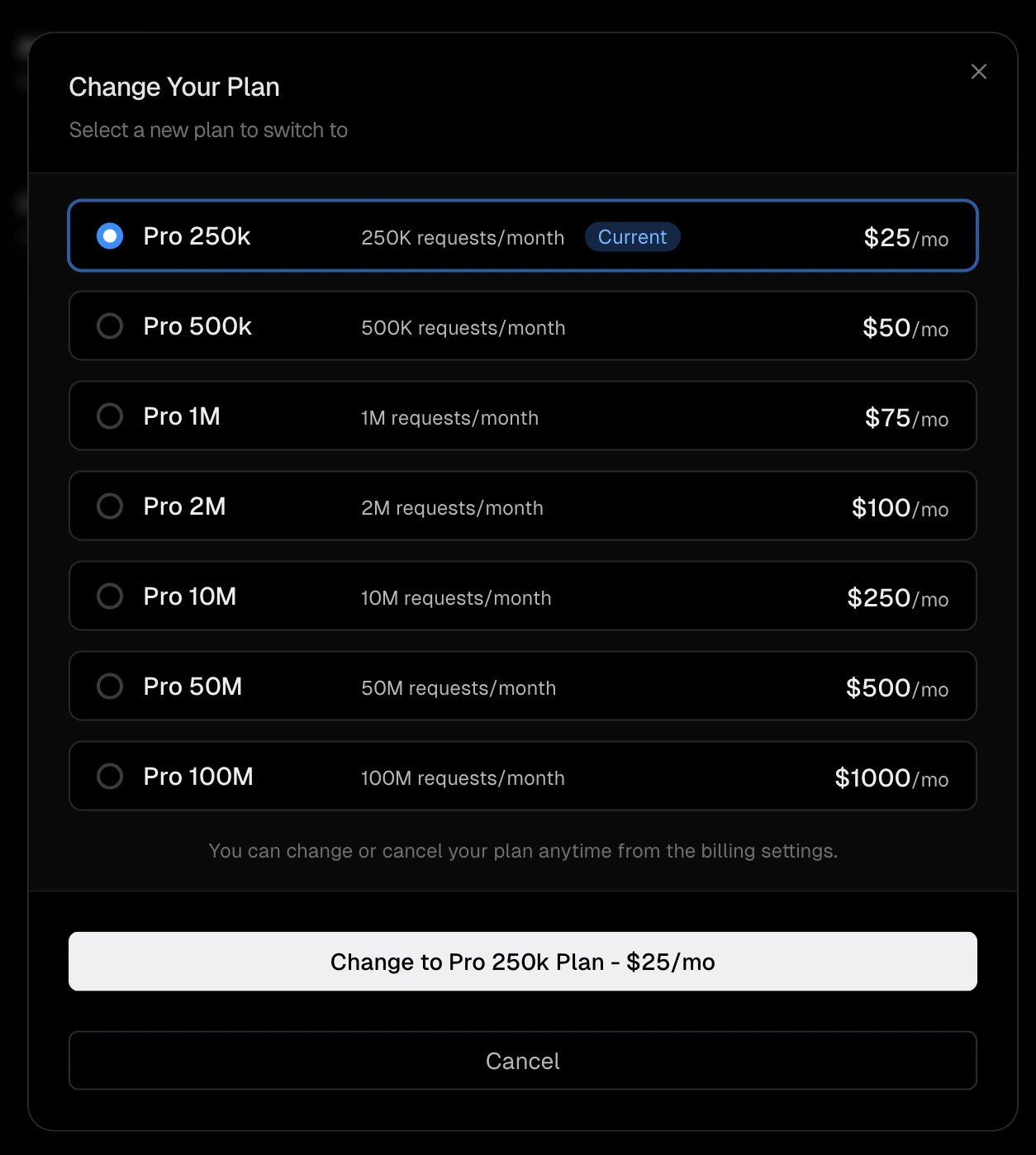
- Click Change plan on the current plan card.
- Select a plan from the available options. Each plan shows its monthly price and included request quota.
- Confirm the selection.

Downgrade or cancel
- Navigate to Settings > Billing.
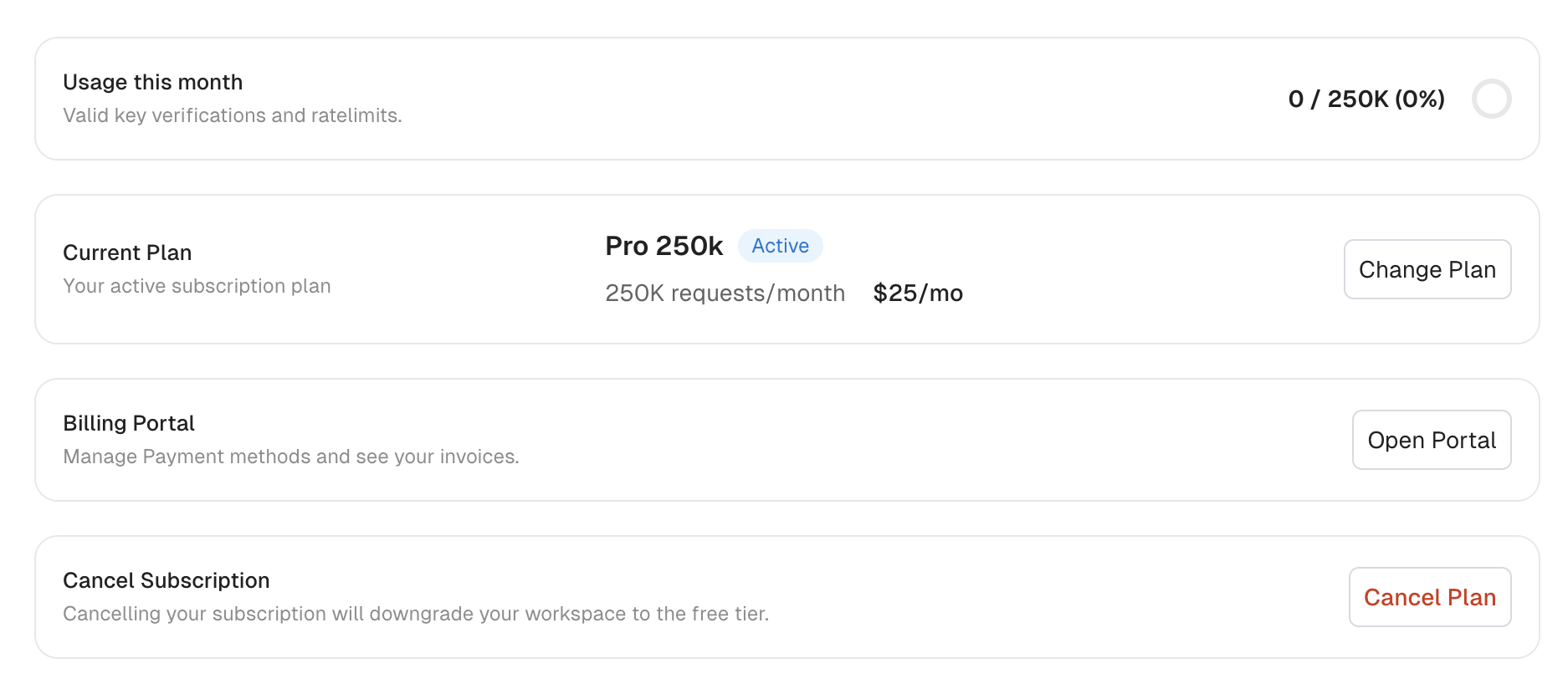
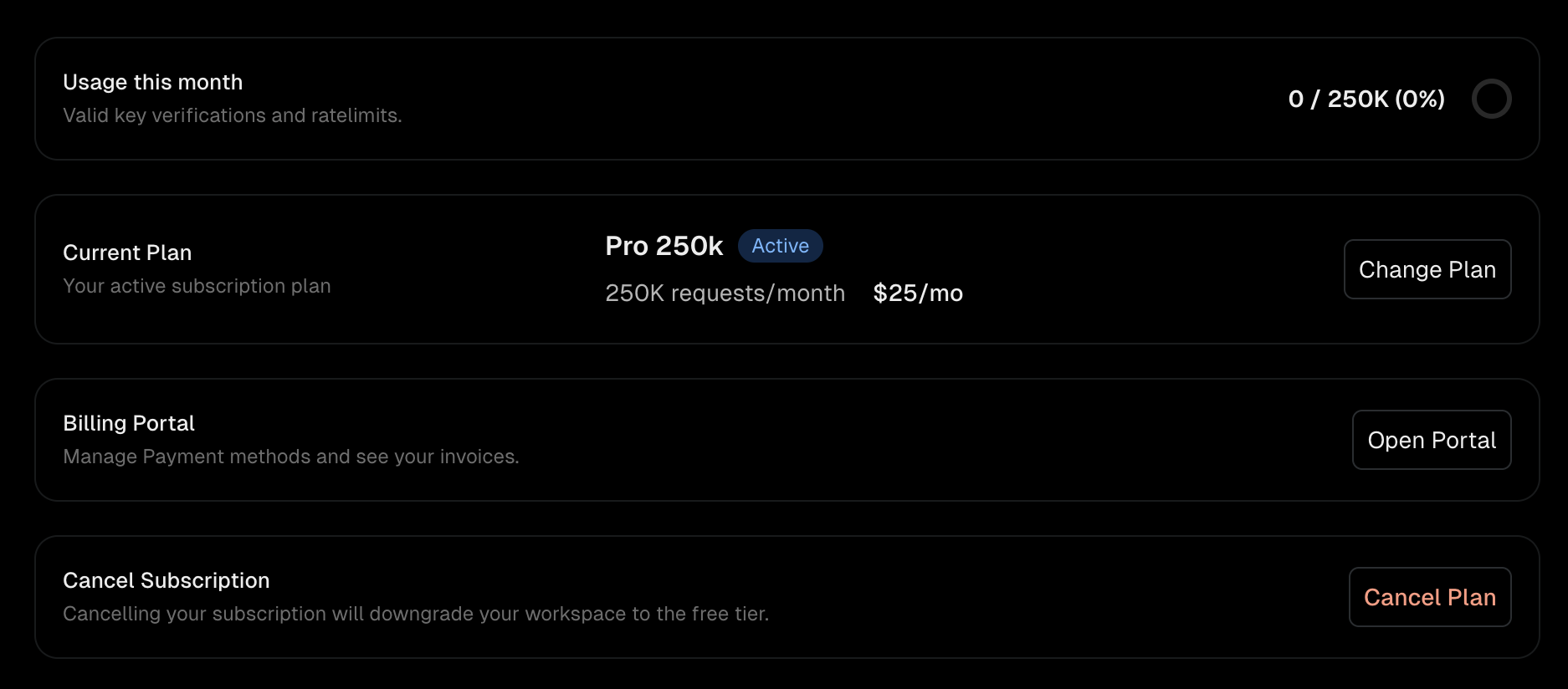
- Click Cancel plan at the bottom of the billing page.
- Confirm the cancellation.
Billing portal
The billing portal lets you manage payment methods, view invoices, and update billing details through Stripe.- Navigate to Settings > Billing.
- Click Open Portal.
- Update or replace your payment method
- Download past invoices
- Update billing contact information
Usage tracking
The billing page and sidebar display your workspace’s usage as a percentage of your monthly request quota. This combines key verifications and rate limit operations for the current billing month. Unkey sends email notifications when your workspace approaches or exceeds its quota.Compute usage
Compute bills for what your workloads actually use: CPU, memory, disk, egress, and the active keys verified through the Compute gateway. Your plan fee comes with usage credits worth the same amount, so the fee already covers your first slice of usage. Anything past those credits is added to your invoice at the end of the month. The Compute card on the billing page shows:- Usage this period: what you have spent on usage so far this month. This is the number your spend budget is measured against.
- Per-meter quantities: CPU hours, memory GiB-hours, egress GiB, disk GiB-hours, and active keys.
- Spend budget (optional): your monthly usage-spend cap and its alert thresholds.
Spend budget
Set a monthly spend budget under Settings > Billing on the Compute card.
The budget caps your total usage spend, credits included. A 100 of usage, not $100 on top of the credits your plan already includes. The meter on the billing page tracks your spend against the budget so you can see how close you are.
While Compute is paused
If you turned on Stop workloads and hit your budget, Compute pauses and the billing page shows a Compute paused banner. It starts back up on its own as soon as you:- Raise the budget above your current spend,
- Remove the budget,
- Turn off Stop workloads at the budget, or
- Reach the next billing period, when usage resets.