

How logs are captured
Unkey captures all stdout and stderr output from your app automatically. There is nothing to install or configure. If your app writes JSON to stdout, Unkey parses the JSON and populates the Attributes column with the structured data. This makes individual fields filterable and easier to scan. Plain text output appears in the Message column as-is.Log fields
Each log entry includes a timestamp, a severity level (ERROR, WARN, INFO, or DEBUG), the region where the instance is running, and the log message. If the output is structured JSON, Unkey populates an additional Attributes column with the parsed fields.
Filter logs
Use the control bar at the top of the page to narrow results by severity, deployment, environment, region, instance, message content, and time range. Filters can be combined and are persisted in the URL, so you can bookmark or share a filtered view. Region and instance filters are useful when debugging multi-region deployments. Select a specific region to see logs from instances in that location, or filter by instance ID to isolate output from a single replica.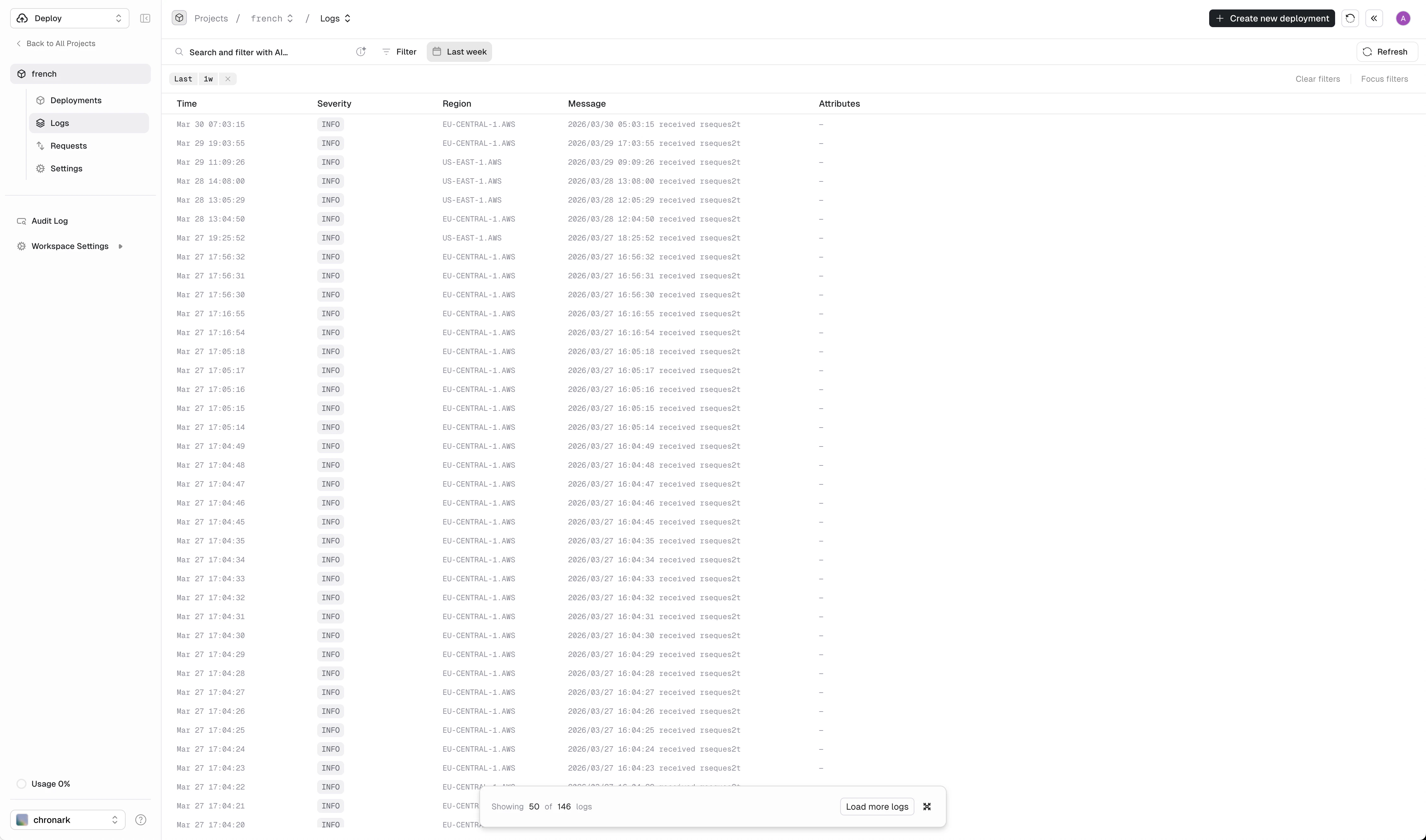
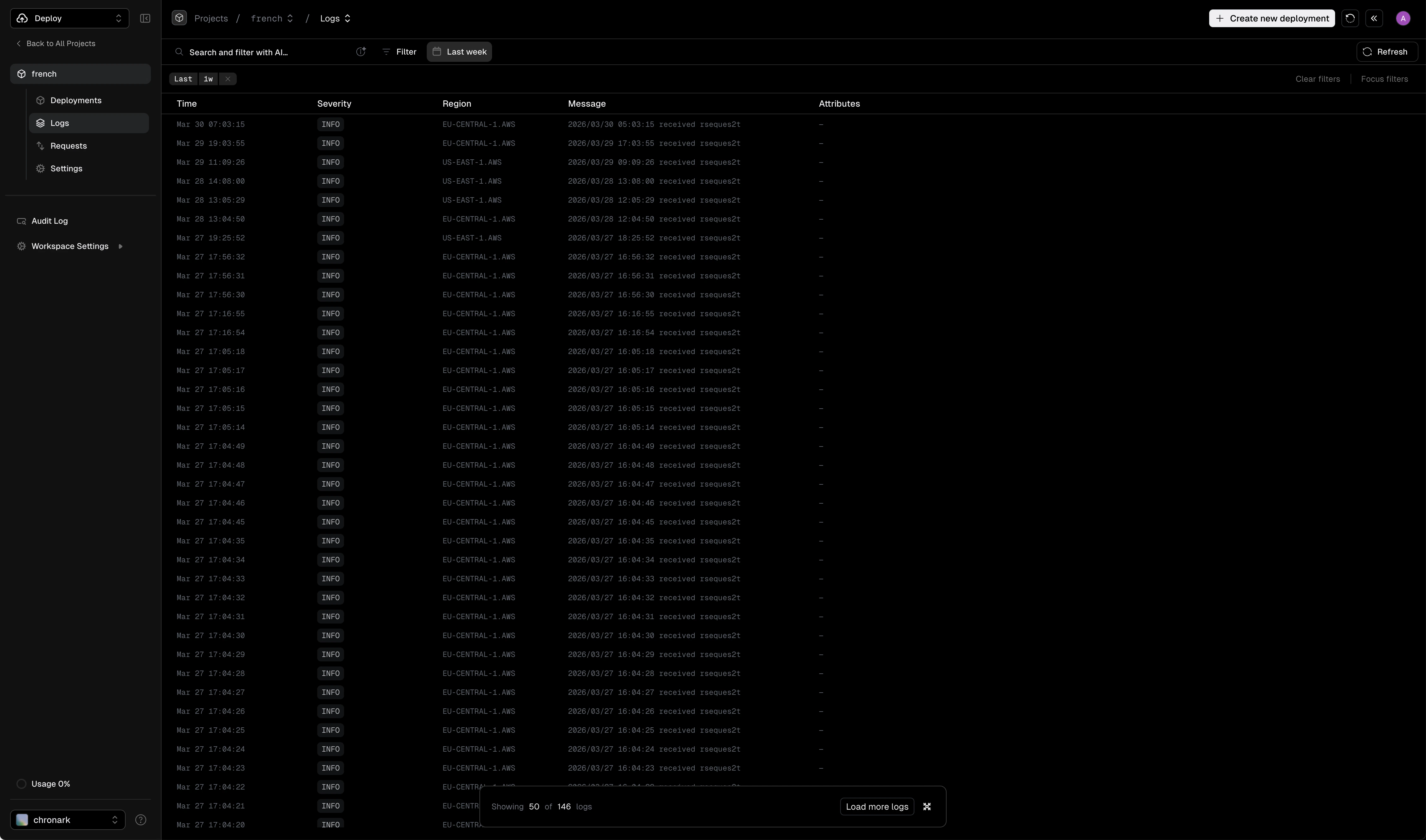
Logs page showing runtime output filtered by time range