

Request fields
Each row in the table shows the timestamp, the region that handled the request, the HTTP status code (color-coded by class), the HTTP method, the hostname, the request path, and the total end-to-end latency.Filter requests
Combine filters to narrow results by status code, HTTP method, path, deployment, environment, and time range. Filters persist in the URL, so you can bookmark or share a filtered view.Status code filter
The status code filter lets you narrow requests by HTTP response status. You can filter by class or by a specific code. Filter by class, select one or more status code ranges to show all requests in that class:
Use the Select All checkbox to toggle every range at once.
Filter by specific code, enter an exact status code (100-599) in the custom code input to isolate a single response type, for example
429 for rate-limited requests or 503 for service unavailable responses. When you type a custom code, range selections are cleared automatically.
Click Apply Filter to update the results.
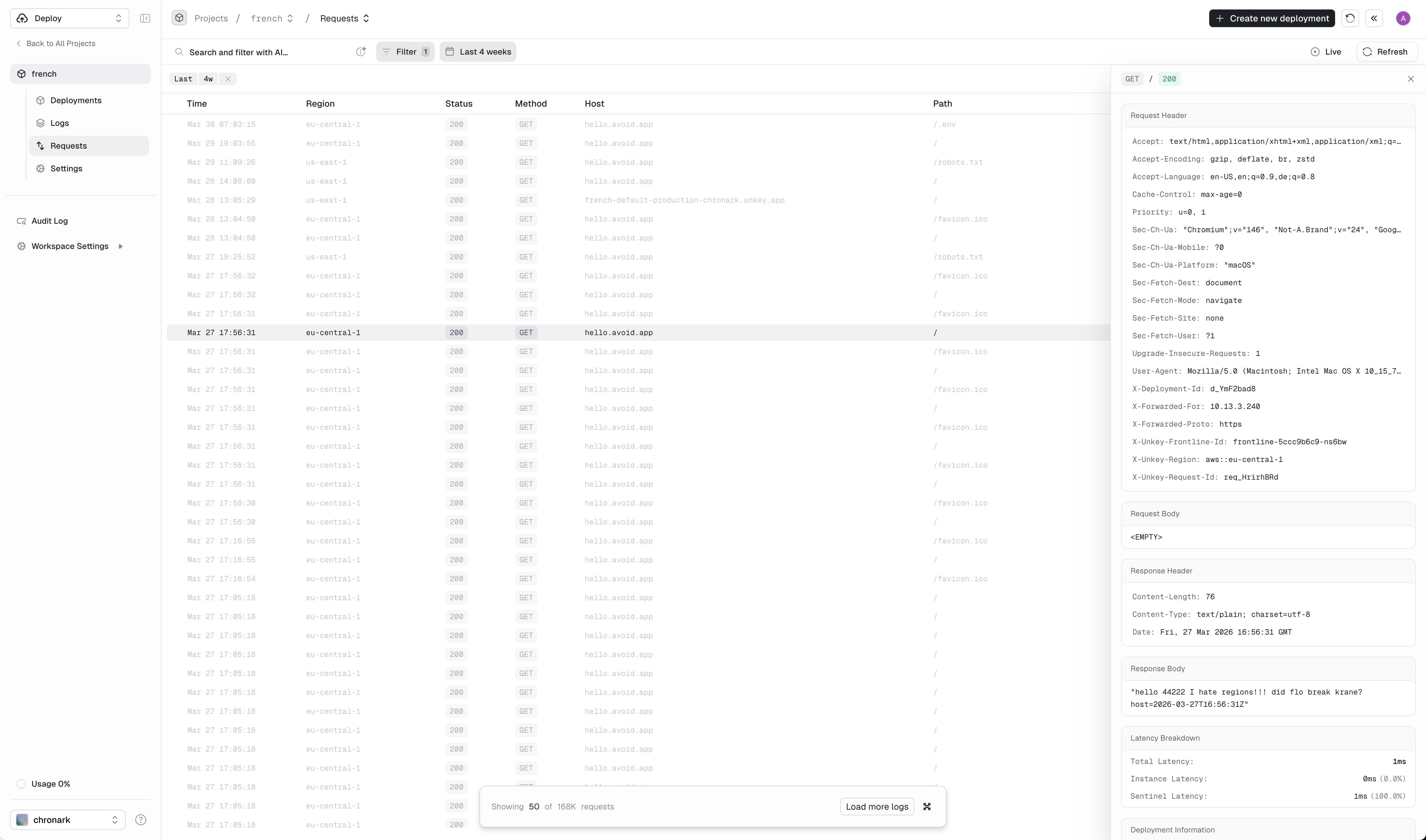
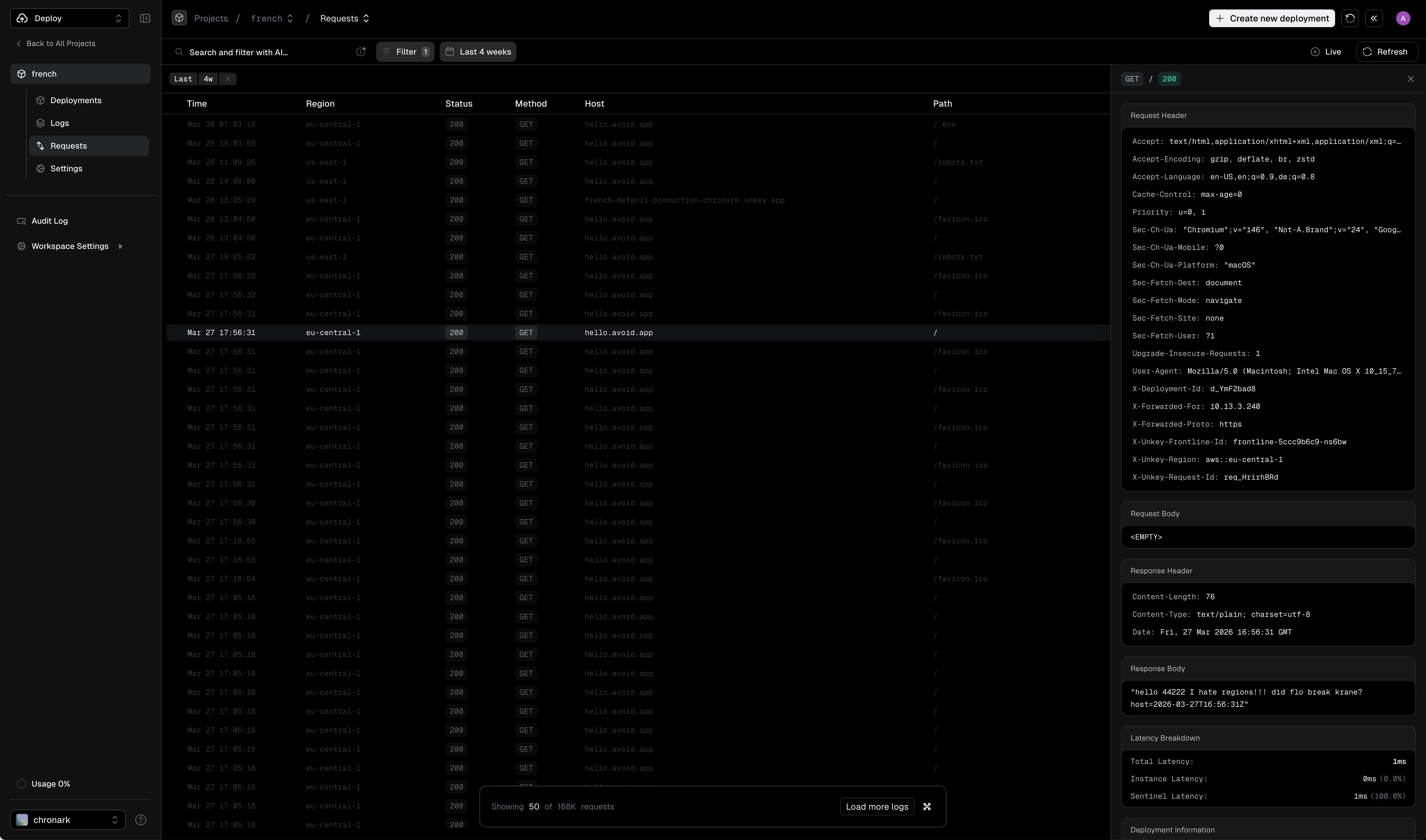
Requests page with the detail panel open for a selected request
Live mode
Toggle Live in the top-right corner to stream incoming requests in real time. New requests appear at the top of the table as they arrive. Toggle it off to freeze the view and browse historical data.Request detail panel
Click any row to open the detail panel on the right side. The panel shows:- Request headers and body
- Response headers and body
- Latency breakdown (see below)
- Deployment info: deployment ID, git branch, commit SHA, commit author, commit message, environment, and deployment status
- Meta: request ID, timestamp, client IP, user agent, host, region, query string, and query parameters