

keys.createKey, and it with keys.verifyKey. Both are HTTPS calls to api.unkey.com, so they work from any language or host.
Already storing keys yourself? Migrating keys imports your existing hashes so users keep the same keys.
Initial Setup
Do these once in the dashboard before you write any code.Create a root key
Your backend calls the Unkey API with a root key. Open Root Keys in the dashboard sidebar, click New Root Key, and name it, for example 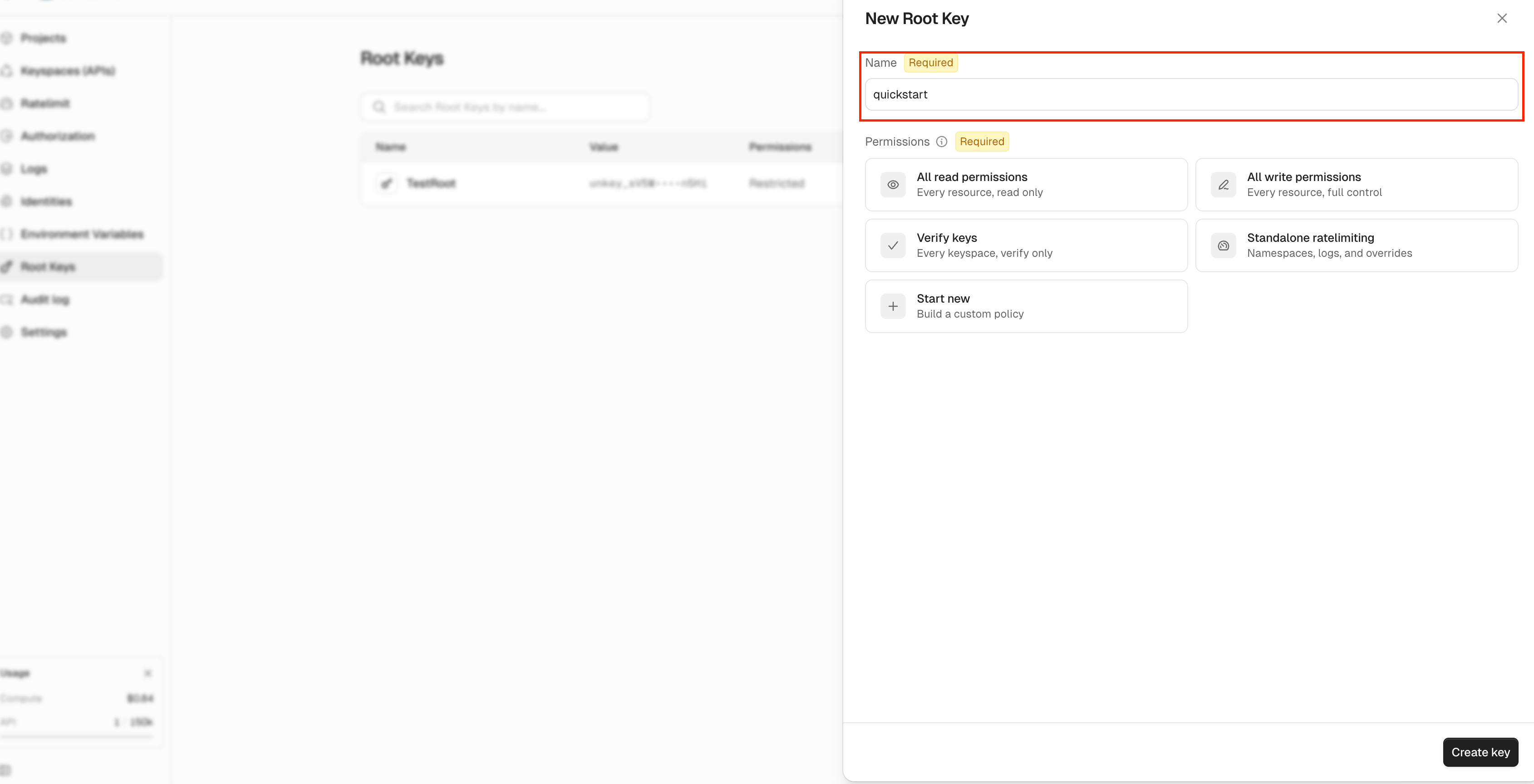
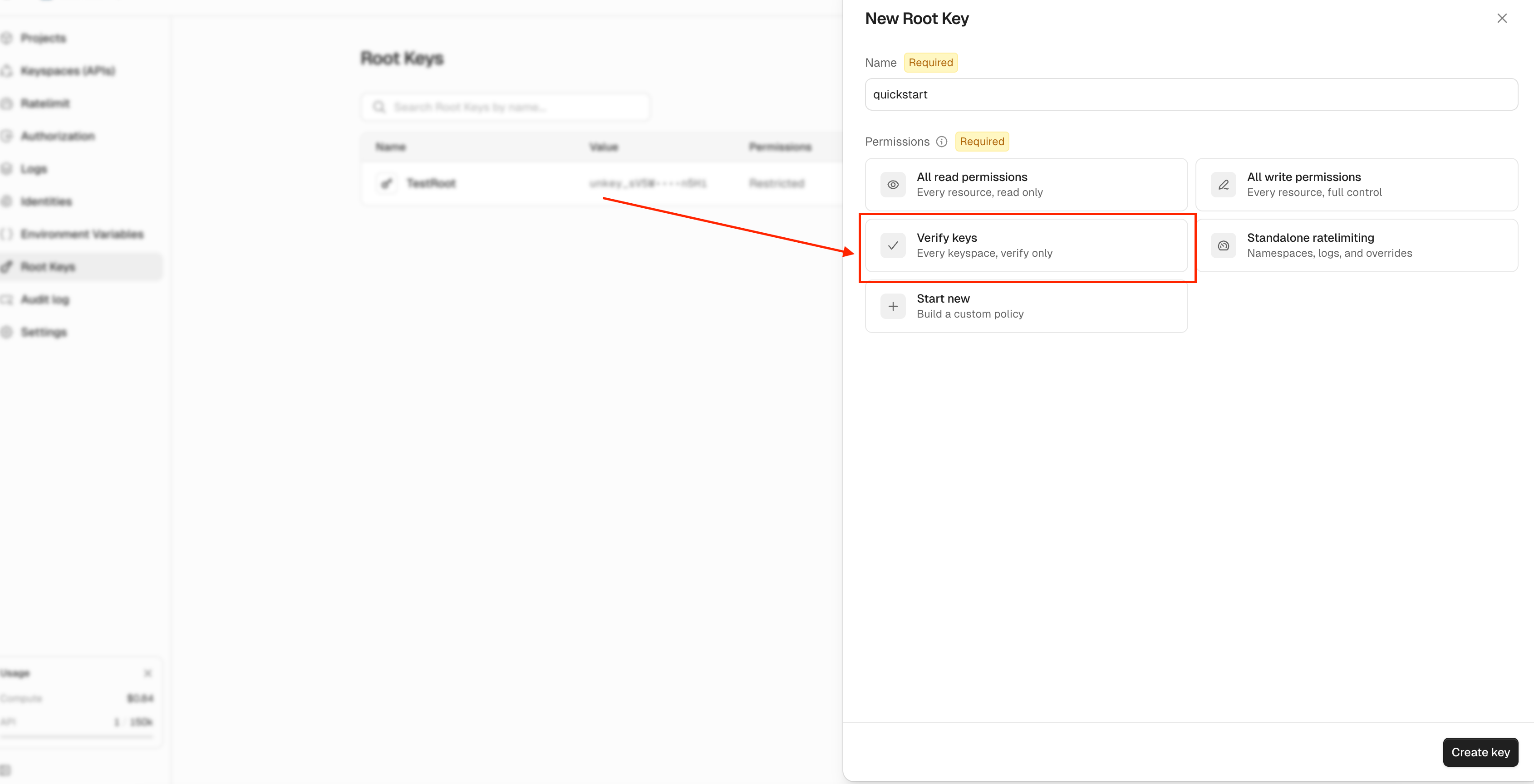
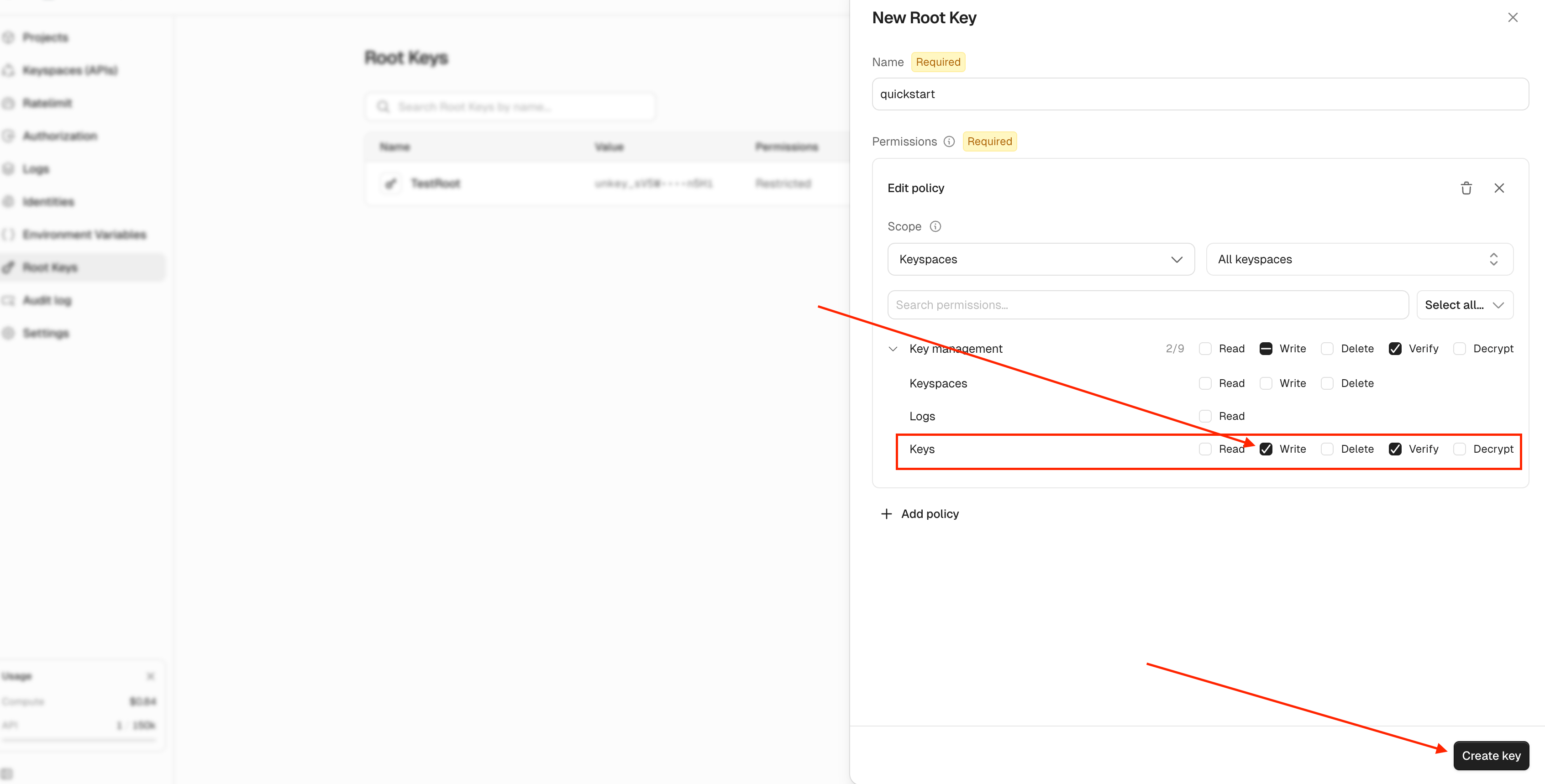
quickstart. You need the workspace admin role to see Root Keys.UNKEY_ROOT_KEY.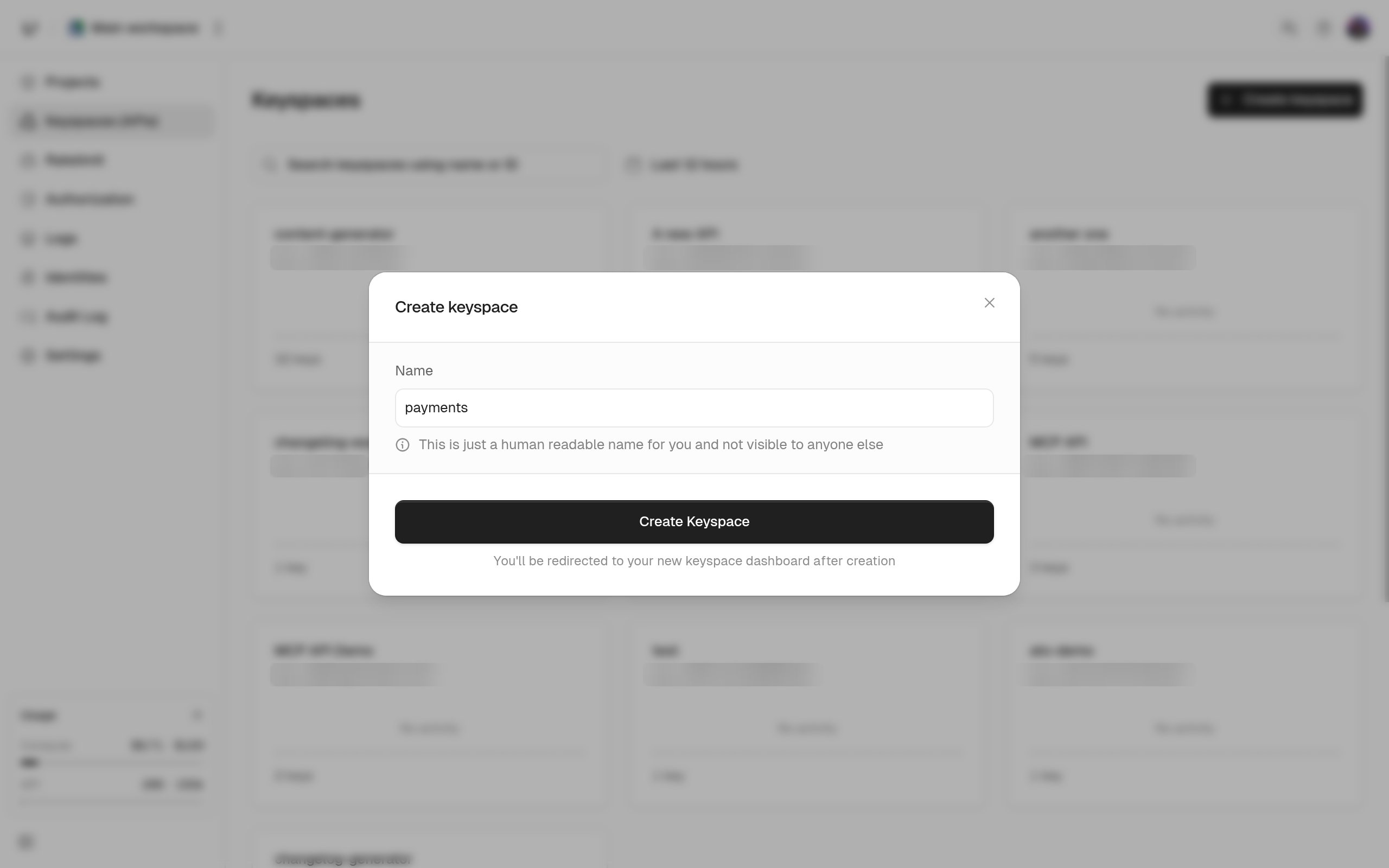
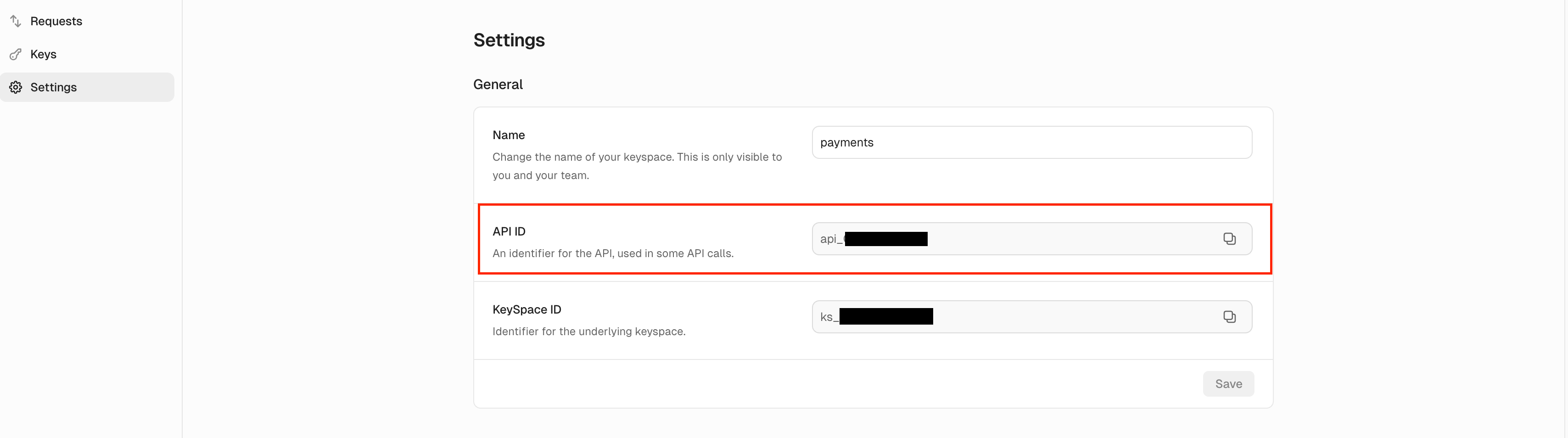
Key Actions
Use the language switcher to change the code samples.Reading the verification response
Verification returns HTTP 200 even when the key is rejected. Checkdata.valid. When it’s false, data.code says why.
credits, ratelimits, meta, and identity appear once you configure them on the key. Verifying keys lists every field and code value.
Next steps
Creating keys
Prefixes, expiry, credits, rate limits, permissions, and metadata on one key.
Verifying keys
The order of checks, the
code enum, and caching behavior.Credits and refill
Sell a fixed number of requests and refill them on a schedule.
Keyspaces, keys, identities, and root keys
How the objects you just used fit together.