apis.listKeys to list the keys in a keyspace, up to 100 per page. It’s handy for a “your API keys” screen, for finding every key a user owns, or for auditing a keyspace. It only returns the full key for recoverable keys, and only when you ask.
You need a root key with the permissions listed on this page. Create one in the dashboard under Settings > Root Keys. See Permission reference for every permission.
api.*.read_key or api.<api_id>.read_key, and api.*.read_api or api.<api_id>.read_api. Adding decrypt: true additionally needs api.*.decrypt_key or api.<api_id>.decrypt_key. See Root key permissions.
A missing permission isn’t a 403. You get HTTP 404 err:unkey:data:api_not_found, “The requested API does not exist or has been deleted.” If you see this for an ID you know is correct, check both permissions on the root key.
Request
string
required
The keyspace to list, by API ID.
integer
default:"100"
Keys per page, 1 to 100.
string
The
pagination.cursor from the previous response. Omit for the first page.string
Only keys linked to the identity with this exact
externalId. Use it to list one user’s keys.boolean
default:"false"
Include
plaintext for keys created with recoverable: true. Requires the decrypt permission and a keyspace with encrypted storage enabled. See Recoverable keys.Response
data is an array of key objects, and pagination tells you whether to continue.
keys.getKey returns. start is the prefix and first few characters, so a user can recognize the key. plaintext appears only when decrypt: true worked for that key. Looking up keys lists every field.
Paging
Sendpagination.cursor back until hasMore is false. Cursors expire, so don’t store them.
list-all-keys.ts
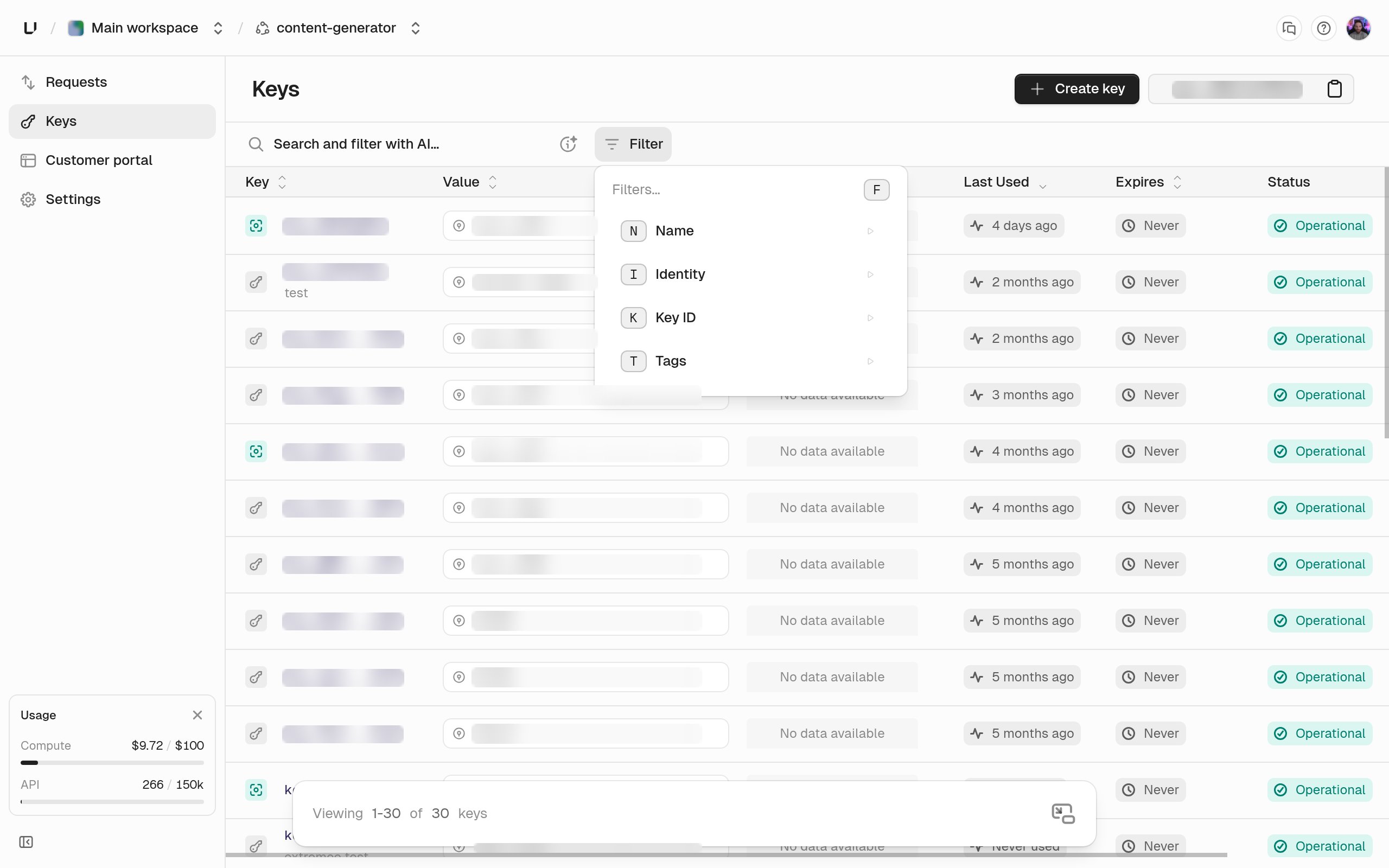
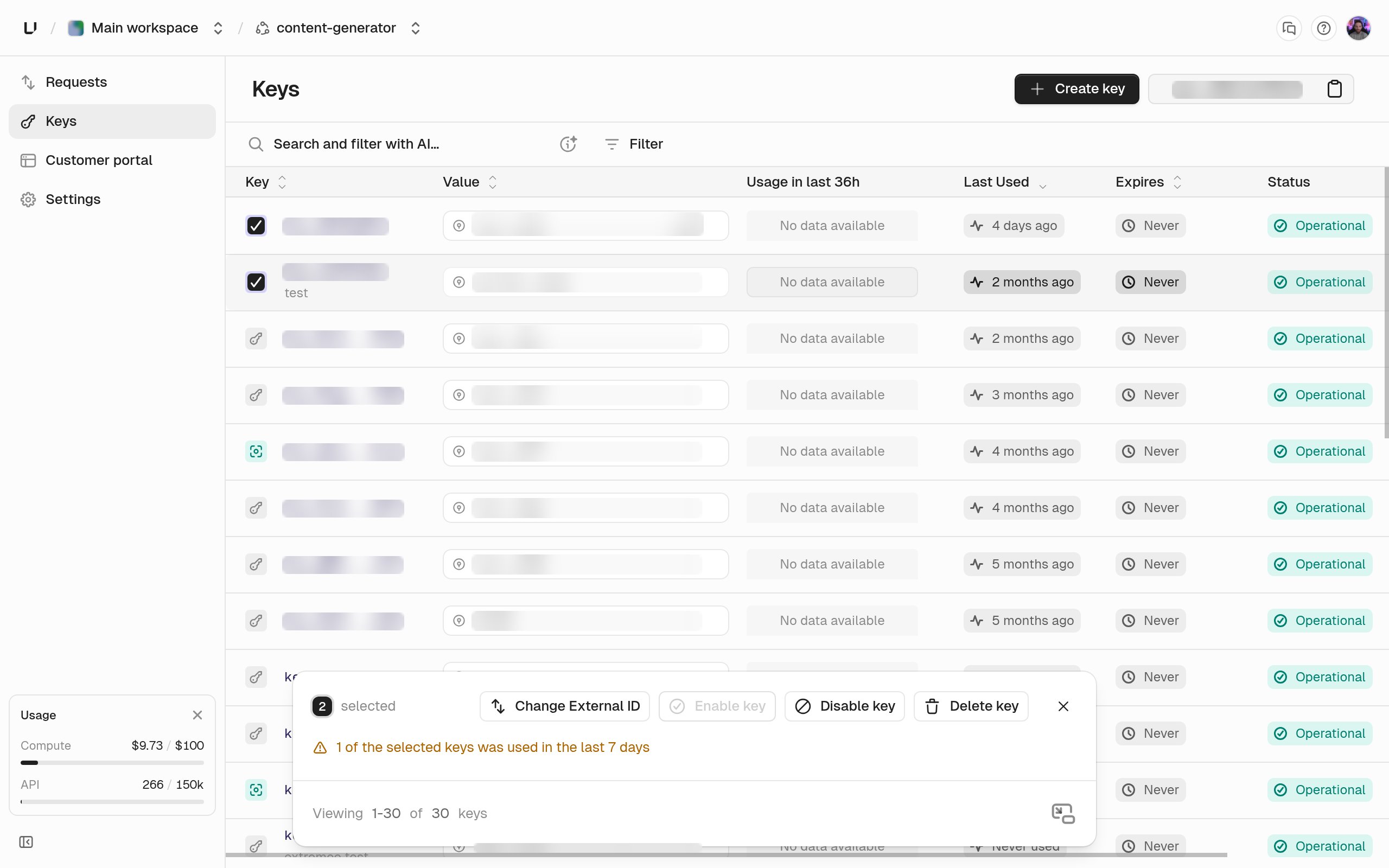
In the dashboard
The keyspace’s Keys tab shows the same list. You can filter by key ID, name, identity, and tags (is, contains, starts with, ends with). Select several rows to change their external ID, enable or disable them, or delete them in bulk.