What a step shows
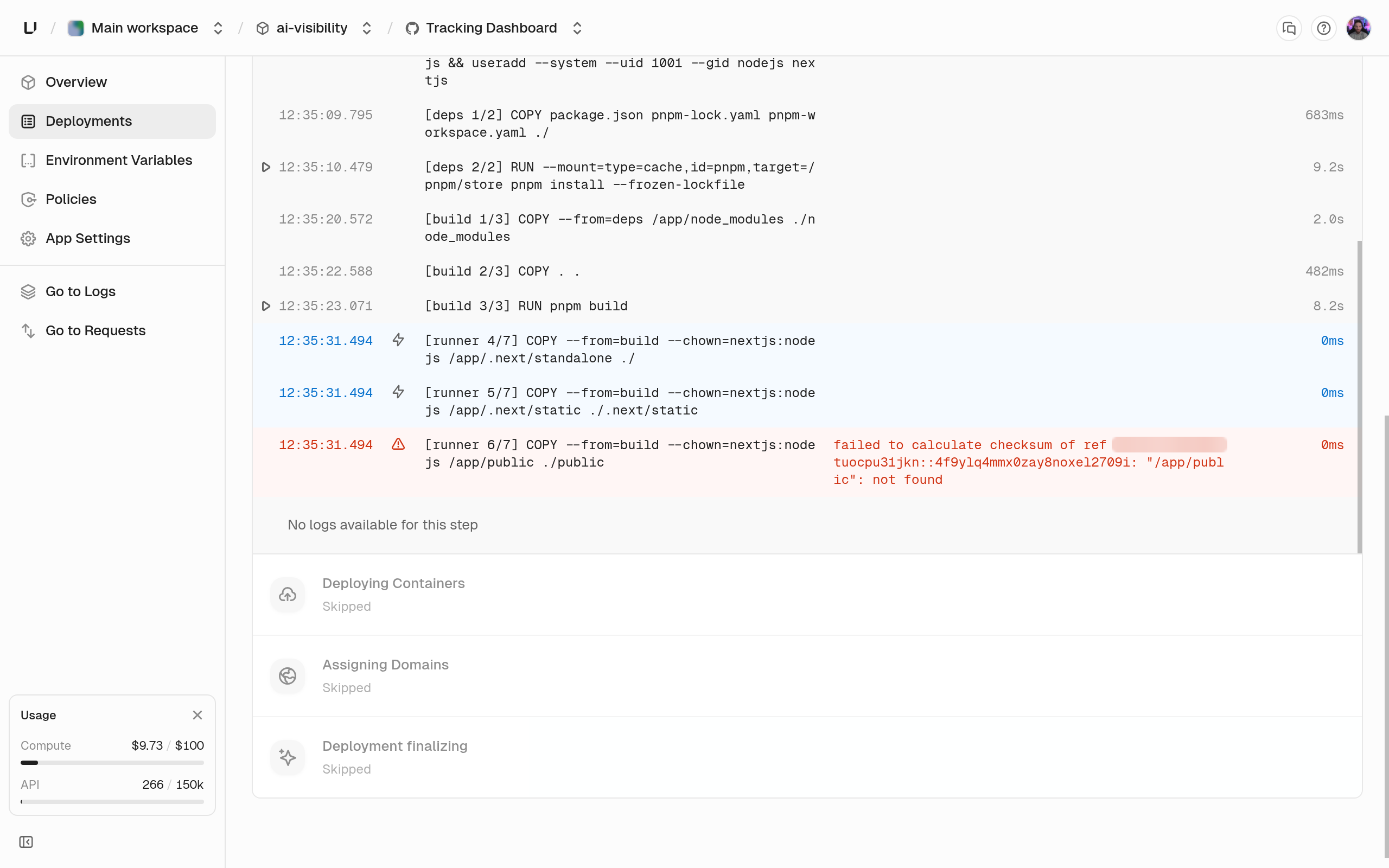
Each step shows its name, start and end time, whether it came from the cache, and an error message if it failed. Click a step to see its output. A cached step didn’t run, because nothing it depends on changed since an earlier build. See Builds for what the cache covers.Find why a build failed
Look for the step with the error. Its last lines of output usually name the cause, such as a missing dependency, a compile error, or a Dockerfile instruction that failed. See Deployments.