keys.verifyKey enforces both. One call checks the key, the sliding-window limit, and the credit balance, with no Redis to run. To change a customer’s numbers, call keys.updateKey. No deploy needed.
The rate limit is a named window on the key, such as 100 requests per 60,000 milliseconds. The monthly quota is credits. Set credits.refill.interval to monthly and the balance refills on refillDay. When the window is used up, data.code is RATE_LIMITED. When credits can’t cover the request, data.code is USAGE_EXCEEDED. Unkey still returns HTTP 200, and your server returns the 429.
Retry-After is in seconds, and RFC 6585 defines both 429 and that header. reset on each checked limit is Unix milliseconds. keys.verifyKey doesn’t set Retry-After or X-RateLimit-*. Which headers Unkey does send, including on the Compute gateway, is on Rate limiting.
A limit on an identity counts every key linked to that customer together. A limit on a key counts that key alone.
Define limits
You set limits withratelimits on keys.createKey, keys.updateKey, identities.createIdentity, and identities.updateIdentity, up to 50 per key or identity. Each entry has:
string
required
3 to 128 characters, unique within the key or identity. You refer to the limit by this name at verification time.
integer
required
Tokens per window, 1 or more.
integer
required
Window length in milliseconds, 1000 or more.
boolean
required
true checks this limit on every verification. false checks it only when a verification names it. Required: leaving it out fails with HTTP 400 and missing property 'autoApply'.keys.updateKey and identities.updateIdentity, ratelimits replaces the whole list. Limits you leave out are deleted and matching names are updated. null on keys.updateKey removes them all. Leave the field out to keep limits as they are.
Check limits at verification
Auto-applied limits are always checked. To check any other limit, or to spend a custom cost, list it in the verification’sratelimits array.
string
required
The name of a limit on the key or its identity, 3 to 255 characters (saved limit names stop at 128; longer names only work for inline limits).
integer
default:"1"
Tokens to spend on this limit for this verification, 0 or more.
integer
With
duration, defines an inline limit instead of referring to a configured one. See below.integer
Window in milliseconds for an inline limit. Send it together with
limit.code: RATE_LIMITED, and no credits are spent. Naming a limit that isn’t on the key or its identity fails the whole request with HTTP 412 err:unkey:application:precondition_failed.
If the rate limit check can’t run, the verification carries on as if the limits passed, so an outage never blocks valid keys.
Inline limits
An entry with bothlimit and duration is an inline limit, used for this call only. It counts against the key (never the identity), isn’t saved, and has an empty id in the response. Use it when your code decides the numbers per endpoint.
What the response contains
Every checked limit appears indata.ratelimits with id, name, limit, duration, remaining, reset (Unix milliseconds), exceeded, and autoApply. If the key has an identity, data.identity.ratelimits lists all of the identity’s limits, checked or not.
Key limits and identity limits
A limit on a key counts that key alone. A limit on an identity counts all its keys together, so five keys share one budget. If a key and its identity both have a limit with the same name, the key’s limit wins, so you can give one key an exception to a shared limit. Shared rate limits across keys walks through the identity side.From the dashboard
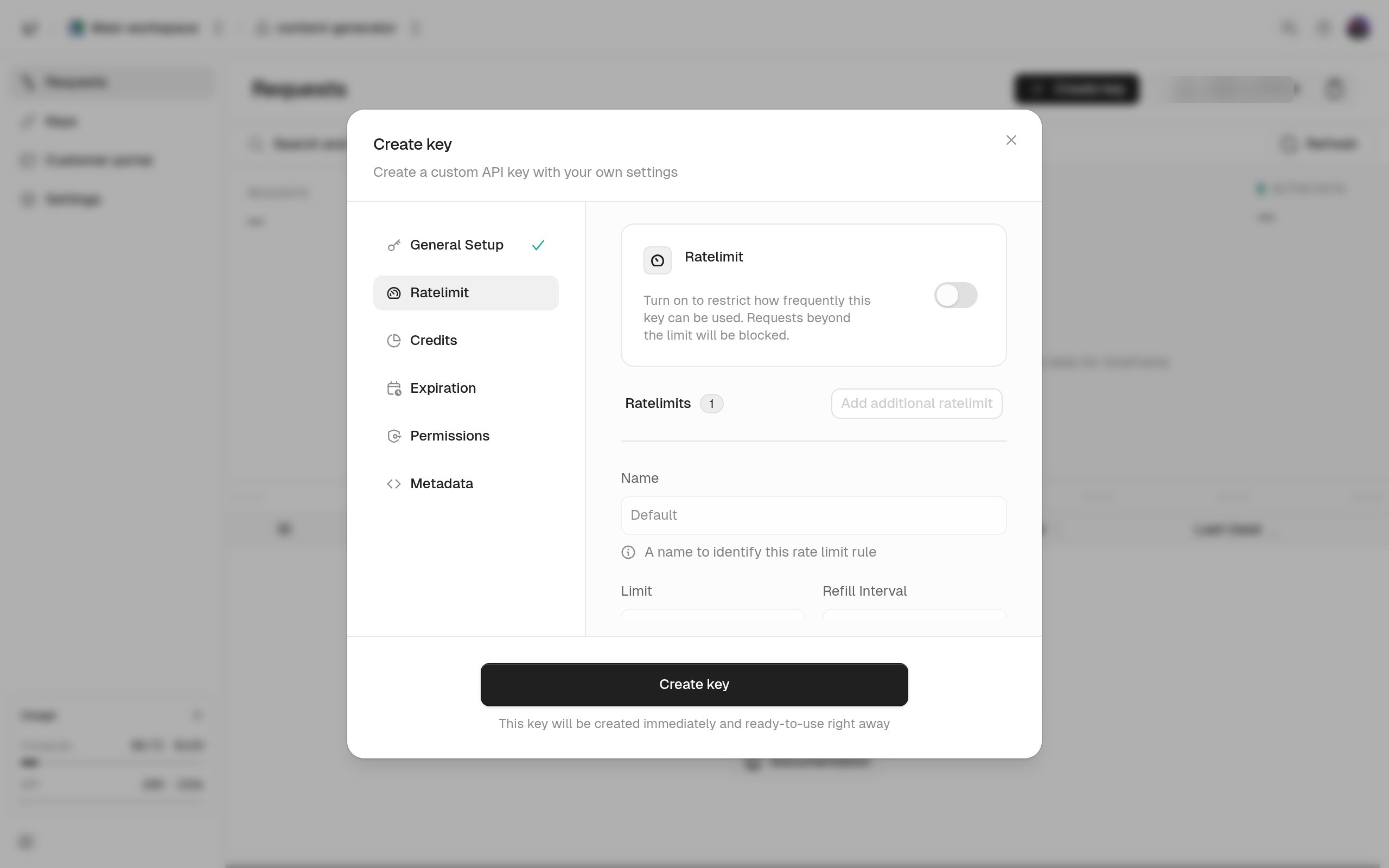
Set the same four fields in the Create key dialog’s rate limit step, or with Edit ratelimit on a key or identity.